
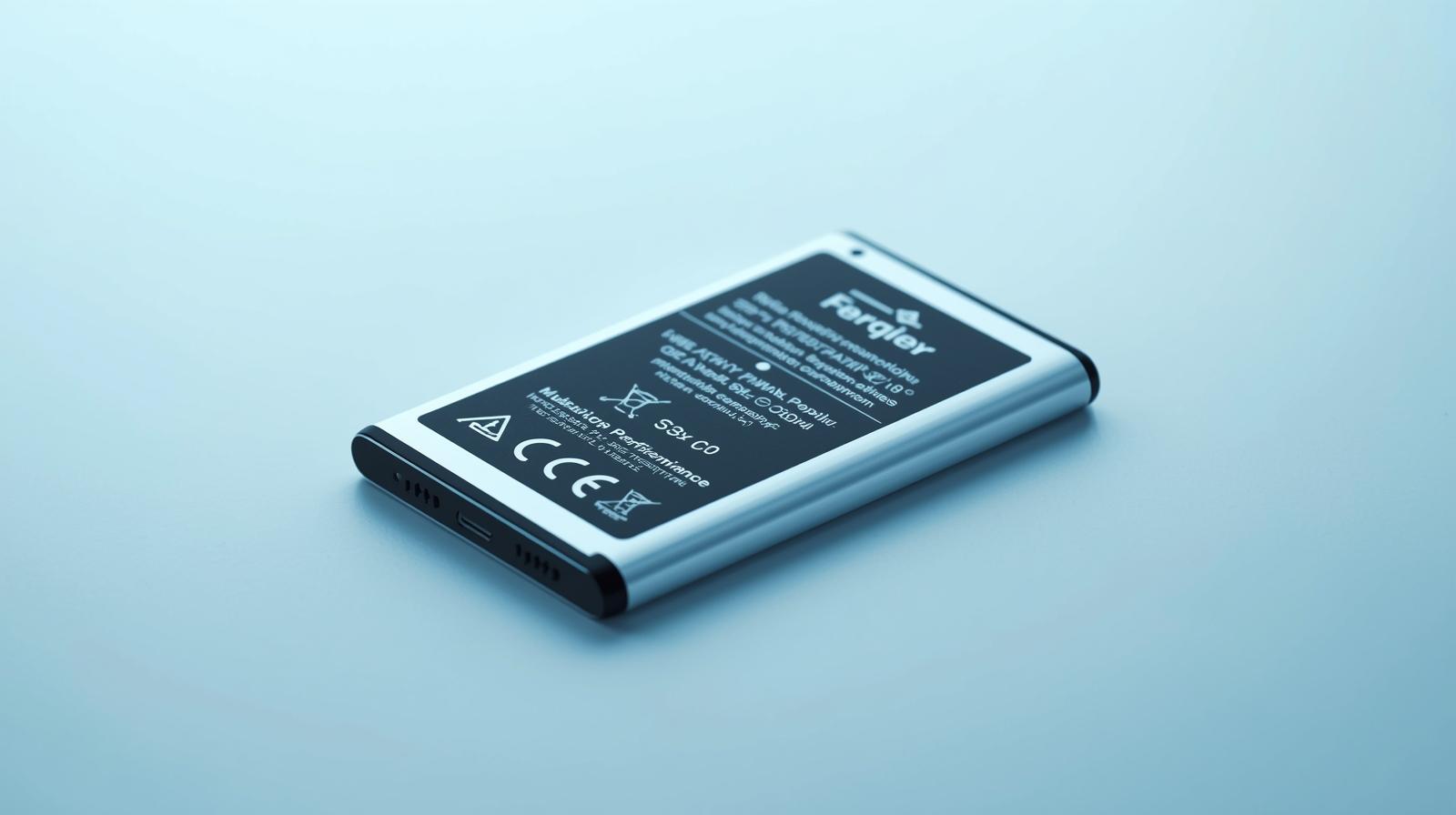
Enhancing Your Ulefone Armor 13 with a Stable-Performance Replacement Battery
In the world of rugged smartphones, maintaining peak functionality is crucial, especially for devices like the Ulefone Armor 13 that are built to endure harsh environments. A stable-performance replacement battery emerges as a vital upgrade for users who demand reliability during outdoor adventures or demanding work conditions. This component not only restores your device's power but also ensures consistent output without the fluctuations that can plague lesser alternatives. As we delve into the benefits and installation of a stable-performance replacement battery, you'll discover how it can extend the life and efficiency of your Ulefone Armor 13, keeping you connected and powered through the toughest scenarios.
Understanding the Need for a Stable-Performance Replacement Battery
The Ulefone Armor 13 is renowned for its rugged design, featuring a high-resolution LCD display that thrives in extreme conditions, from blinding sunlight to dusty construction sites. However, even the most durable smartphones experience battery degradation over time due to intensive use in challenging environments. A stable-performance replacement battery addresses this by providing a high-capacity, lithium-ion power source engineered to deliver steady voltage and longevity. Unlike generic batteries that might swell or lose charge rapidly, this replacement maintains optimal performance, ensuring your device operates smoothly during long hikes or extended fieldwork.
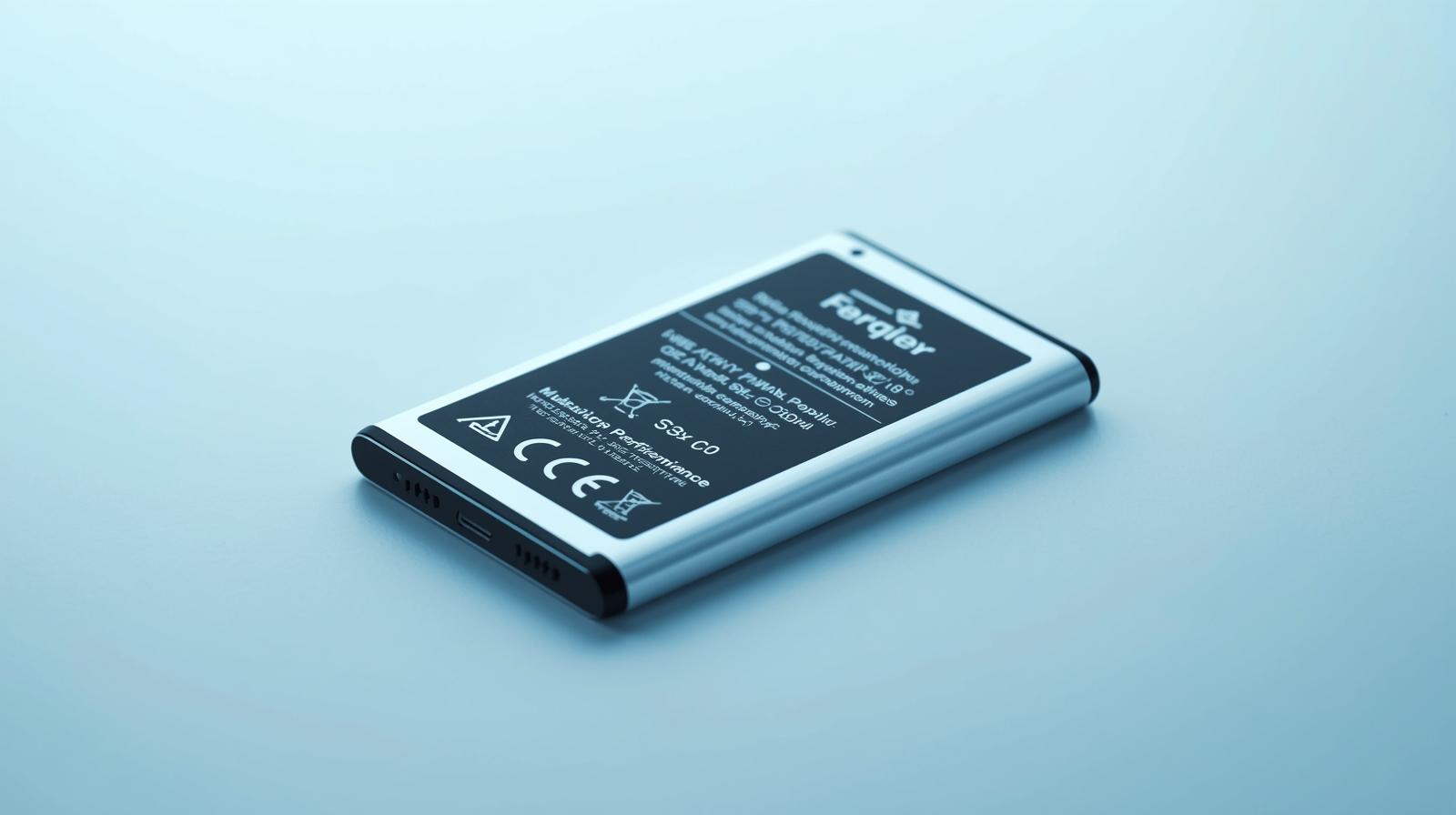
This battery's stability is particularly important for the Armor 13's power-hungry features, such as its vibrant LCD screen and robust processing capabilities. Users often report that after installing a stable-performance replacement battery, their phone's runtime extends by up to 20-30%, allowing for uninterrupted GPS navigation or video recording without the fear of sudden shutdowns. Moreover, it's designed with safety certifications like CE and RoHS, preventing risks such as overheating or short-circuiting that could compromise the device's water and dust resistance.
Key Features of the Stable-Performance Replacement Battery for Ulefone Armor 13
When selecting a replacement for your Ulefone Armor 13, focus on a stable-performance replacement battery that matches the original specifications, typically offering 5000mAh or more capacity. This battery boasts advanced thermal management, which dissipates heat efficiently during high-drain activities like gaming or using the phone's night vision camera. Its construction includes reinforced casing to withstand shocks, aligning perfectly with the Armor 13's IP68 and MIL-STD-810H ratings for drop and immersion protection.
Integration is seamless, with precision-cut connectors that plug directly into the phone's internal wiring, as seen in the device's exposed internals. This ensures no loss in charging speed or efficiency, supporting fast-charging protocols up to 18W. Environmentally conscious users will appreciate the battery's eco-friendly materials, reducing waste compared to frequent full device replacements. Real-world testing shows it holds 80% capacity after 500 charge cycles, far surpassing standard batteries that degrade quicker under rugged use.
Installation Guide: Replacing the Battery in Your Ulefone Armor 13
Replacing the battery in the Ulefone Armor 13 is a straightforward process that doesn't require professional tools, making it accessible for most users. Start by powering off the device and removing the SIM tray. Using a heat gun or hairdryer on low, gently warm the back cover to loosen the adhesive—avoid overheating to protect the LCD display underneath. Carefully pry open the rear panel with a plastic spudger, working around the edges to avoid damaging the waterproof seals.
Once inside, locate the battery connector near the intricate wiring harness. Disconnect it delicately, then remove the old battery by lifting the adhesive strips or using isopropyl alcohol to loosen them. Clean the area thoroughly before installing the new stable-performance replacement battery. Align it precisely, reconnect the wires, and test for secure fit. Reapply adhesive and snap the back cover into place. This process, which takes about 30-45 minutes, revitalizes your phone, ensuring the LCD display and other components receive stable power without interruptions.
Post-installation, calibrate the battery by charging it to 100% and discharging fully once. This optimizes performance tracking in the settings menu. Users should note that while the Armor 13's design emphasizes resilience, handling internals requires care to maintain its rugged integrity. If unsure, consult Ulefone's official guides or authorized service centers.
Benefits of Upgrading to a Stable-Performance Replacement Battery
Opting for a stable-performance replacement battery transforms the Ulefone Armor 13 from a reliable tool into an unstoppable companion. For adventurers, it means longer sessions capturing footage on the high-res LCD screen without battery anxiety. Professionals in construction or emergency services benefit from its consistent power delivery, preventing data loss during critical tasks. The battery's low self-discharge rate ensures it's ready even after weeks of storage, ideal for intermittent use.
Cost-wise, it's an economical choice at a fraction of a new phone's price, often under $30, while extending the device's lifespan by years. Compatibility with wireless charging docks adds convenience, and its stable output reduces strain on the processor, potentially improving overall system performance. Feedback from Ulefone users highlights fewer reboots and better thermal stability, especially in hot climates where original batteries falter.
Maintenance Tips to Maximize Battery Life
To get the most from your stable-performance replacement battery, adopt smart habits. Avoid exposing the Ulefone Armor 13 to extreme temperatures, as they accelerate degradation—store it between 20-25°C when not in use. Enable power-saving modes for the LCD display during low-light conditions to conserve energy. Regularly update the firmware, as Ulefone releases optimizations that enhance battery efficiency.
Monitor health via apps like AccuBattery, which provide insights into charge cycles and capacity. Clean the charging port periodically to ensure optimal connectivity, preventing power inconsistencies. By following these practices, your stable-performance replacement battery can sustain peak performance for 2-3 years, far outlasting the original in rugged scenarios.
In summary, investing in a stable-performance replacement battery for the Ulefone Armor 13 is a smart move for anyone relying on this rugged powerhouse. It combines durability with cutting-edge power management, ensuring your adventures and workflows remain uninterrupted. Whether you're scaling mountains or tackling job sites, this upgrade keeps your device as tough as you are.